
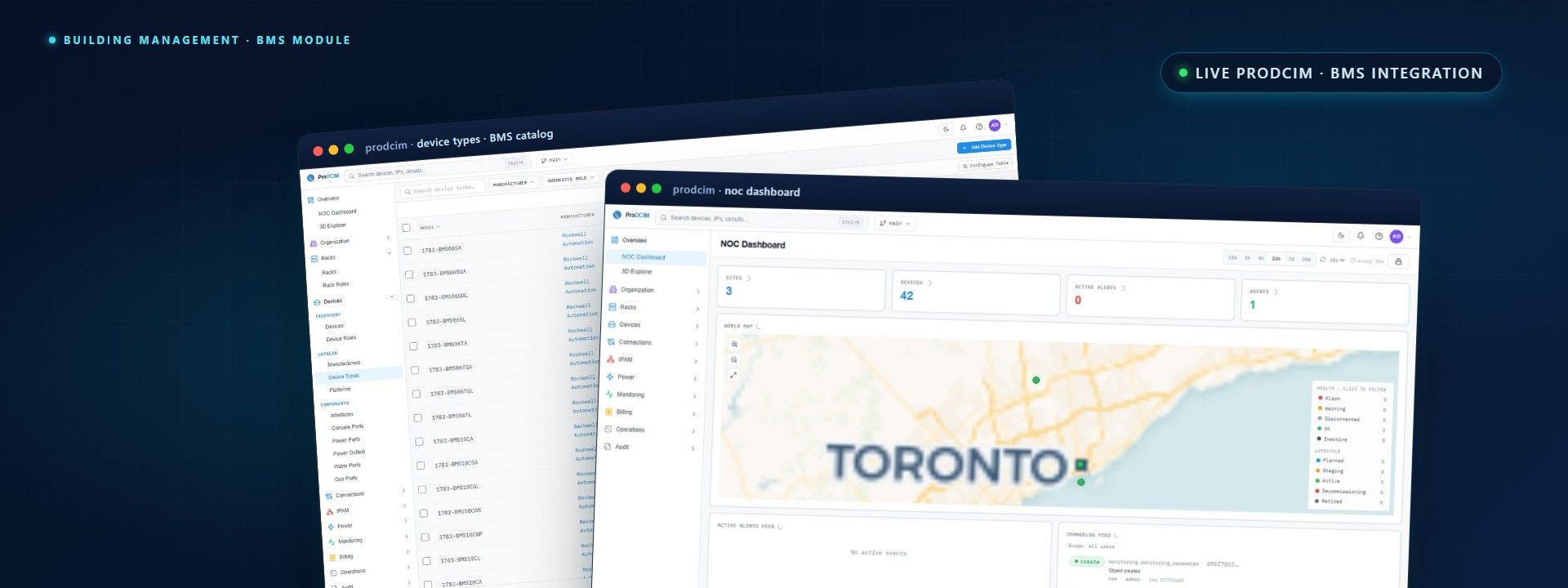
Three domains, one console.
See through your BMS. Don't replace it.
ProDCIM connects your building management system with IT monitoring for one view across power, cooling and environment. Your existing BMS keeps running.
- BACnet
- Modbus TCP
- Read-only by default
- IT + BMS correlation
- Audited
The problem
Facilities and IT, two separate worlds.
The BMS owns power and cooling, IT owns the racks, and their alarms live in different systems. Joining them usually means a custom integrator, a six-figure invoice and a brittle result that breaks on the next BMS change.
- A chiller fault and a hot rack are two alarms, in two tools
- BMS integration usually means a six-figure custom project
- The result is brittle and breaks on the next BMS change
Facilities / BMS
Chillers · UPS · sensors
IT / monitoring
Racks · devices · power
Two systems, two alarm queues
One incident, not two
Two alarms become one incident.
When a chiller falters and a rack runs hot, ProDCIM links them, so the NOC sees cause and effect, not two unrelated alerts.
Chiller 2 · high head pressure
Cooling plant alarm
Rack A-12 · inlet temp 31°C
Thermal threshold
Cooling loss, thermal risk
A chiller fault and rack heat, linked as cause and effect, one incident the NOC can act on.
Two alarms, one incident · illustrative
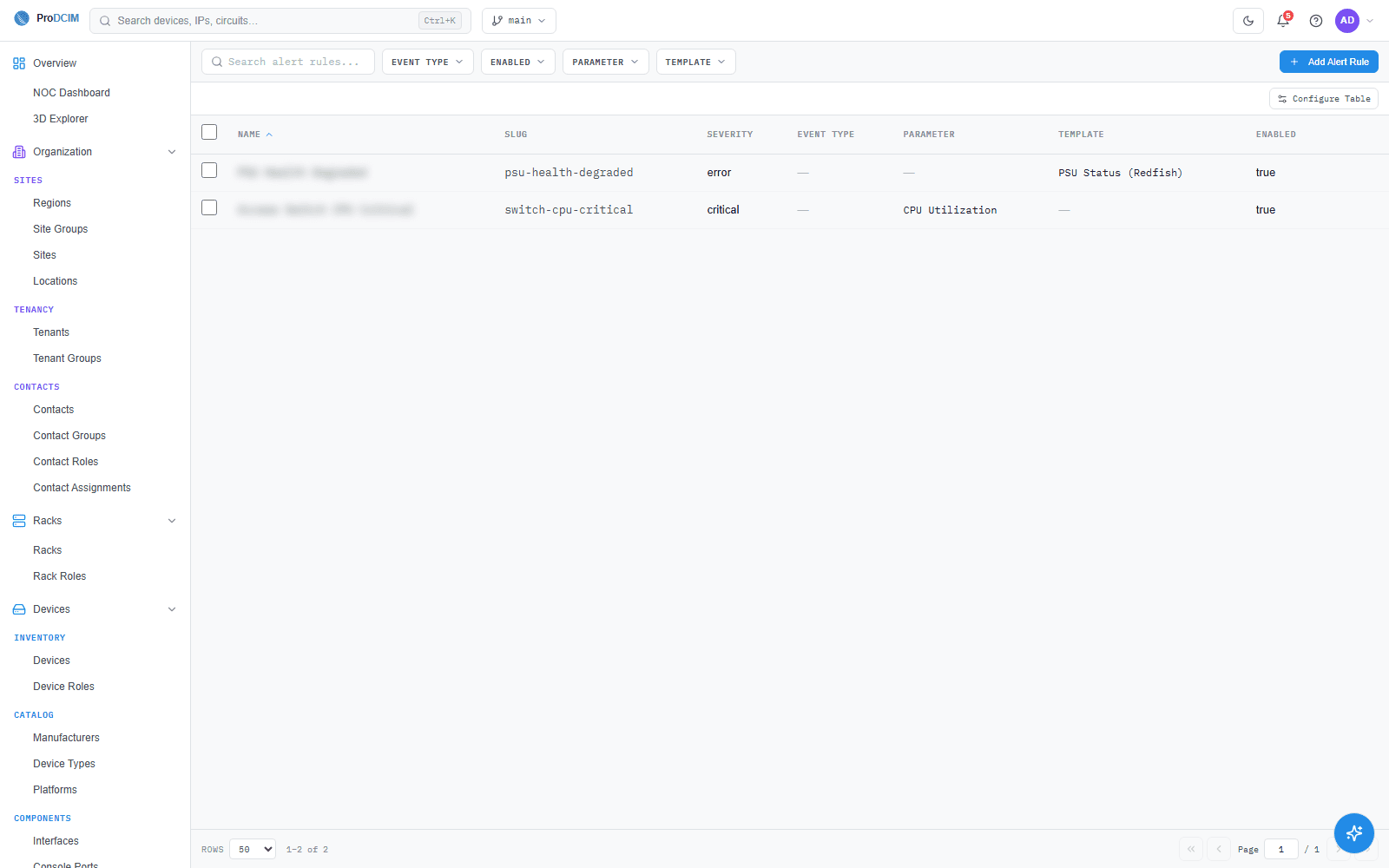
What this helps you do: work facilities and IT alarms from a single console, with the link between them already made. Sample data shown.
Bridging IT and facilities
Everything the building already runs.
Chillers, AHUs, VRF
Read setpoints, supply and return temps and equipment state from the BMS, correlated with IT.
- BACnet
- Modbus TCP
- Point templates
UPS, PDU, fire panel
Pull UPS health, transfer-switch state, and fire and leak panels into the same incident view.
- ATS
- Generator
- FACP
EMS + door / camera
Environmental sensors and access-control feeds get a place in the dashboard, not a silo.
- Temp / RH
- Leak
- Door
- Badge
Built for real BMS estates
What a facilities and IT crossover needs.
A module that works against the BMS protocols you already run, instead of a brittle custom build.
BACnet & Modbus support
Native BACnet/IP and Modbus TCP discovery, no middleware box, no extra appliance.
Point-mapping templates
Reusable mappings per equipment type (chiller, CRAC, ATS) so the next site is fast.
Bidirectional control, opt-in
Read-only by default. Write-back to BMS points is gated by RBAC, signed and audited.
IT and BMS correlation
A chiller fault and a rack-inlet temperature spike become one incident, not two.
Vendor-agnostic
Compatible with the major BMS platforms, not locked to any one of them.
Change & access audit
Every read, every write and every operator action is timestamped and exportable.
Compatible with major BMS platforms
- Honeywell
- Siemens
- Schneider Electric
- Johnson Controls
- Distech
- Reliable Controls
Third-party names are trademarks of their respective owners, shown to indicate compatibility.
Discover, map, correlate, operate
From “the BMS owns that” to “we see it all”.
A standard four-step playbook, whichever BMS vendor lives in your building.
1. Discover
Browse the BMS network, enumerate devices and points, and classify by equipment type.
2. Map
Apply point-mapping templates so the data lands in the right ProDCIM model fields.
3. Correlate
Link facilities events with IT events, so cause and effect read as one story.
4. Operate
The NOC works alarms across IT and BMS from a single console, with role-based access.
Part of the platform
Facilities data, in the same model.
BMS points join the assets, sites and metrics that power the rest of ProDCIM.
See IT and facilities together
Book a walkthrough and we'll map your BMS into ProDCIM, read-only, on your existing protocols.