
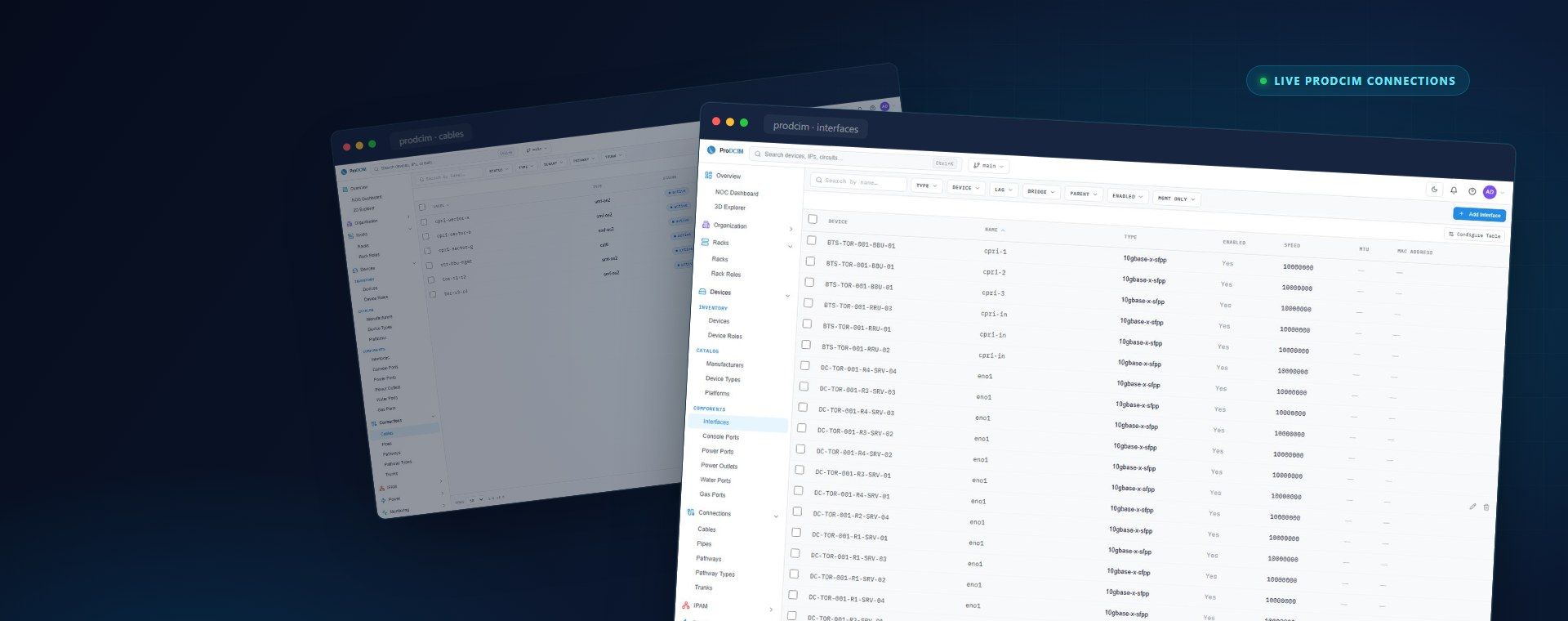
From the patch panel to the port, fully mapped.
Stop tracing cables by hand. Trust the map.
Prochista keeps a living record of every copper run, fiber strand and cross-connect across your facility, searchable, accurate and always current.
- Patch panels
- Fiber paths
- Path tracing
- QR labels
- Audited
The problem
Nobody knows what connects to what.
Connectivity lives in stale spreadsheets, faded labels and the memory of whoever wired it. So a simple move turns into an afternoon of tracing, and pulling the wrong cable turns into an outage.
- Spreadsheets that drift out of date the day they are saved
- Mislabelled or unlabelled cables nobody can trust
- One wrong patch and a live service goes down
The cable “database” today
Trace any path
Follow a connection hop by hop.
From the server port through every patch, splice and cross-connect to the switch, the whole path in one view, with impact at a glance.
Server
SRV-04 · eno1
Patch panel A
Port 12 · Cat6a
Cross-connect
XC-3
Core switch
Gi1/0/4
One connection, every hop · illustrative
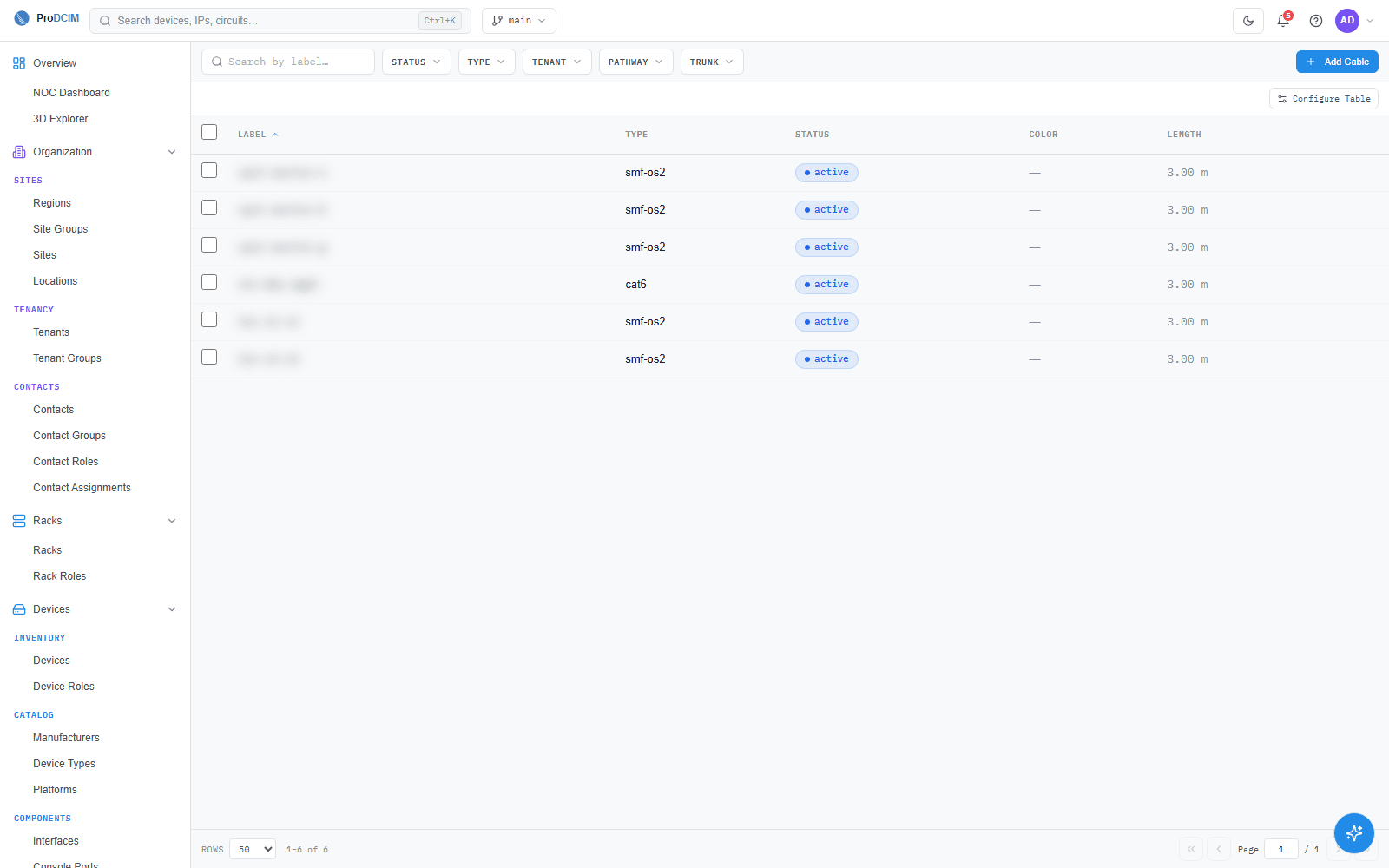
What this helps you do: see exactly how anything connects, and what a change will affect, before you touch a single cable. Sample data shown.
Every connection, accounted for
Copper, fiber and every cross-connect.
Patch panels & cross-connects
Every RJ45 port, patch lead and cross-connect, labelled, assigned and tied to a circuit.
- Port assignments
- Patch leads
- VLAN / circuit
Fiber runs & optical paths
Splice trays, strand counts and optical distribution frames, trace any light path.
- Strand mapping
- Splice trays
- SM / MM
Port-to-port path tracing
Follow a connection through every hop, switch, panel, splice and server, in one click.
- Hop-by-hop
- Impact view
- Search
Why teams rely on it
Documentation that stays true after every change.
A cable database is only useful if it is accurate, so updating connectivity is part of the workflow.
Live topology map
An always-current view of how every device, panel and run connects across rooms.
Change management
Plan moves, adds and changes against the real map, then commit them.
Faster troubleshooting
Trace a fault to the exact port and patch in seconds.
Capacity & port planning
See free, used and reserved ports per panel, and plan growth before you run out.
Searchable records
Find any cable, port or circuit by label, device or ID, no spreadsheets.
Full audit trail
Every connection change is logged with who, what and when.
Physical and digital
Every cable wears its own QR code.
Print a durable label for any cable, port, panel or rack. Scan it in the field and the exact connection record opens, no spreadsheet, no clipboard.
QR label on the cable
CBL-00417
Scan with any phone
No app needed
Live record
SRV-04 eno1 → Panel A / 12
Cat6a · circuit VL-204 · active
Scan in the field, the record opens · illustrative
Durable on-cable labels
Weatherproof QR tags for copper, fiber, patch panels and racks, each one unique.
Scan with any phone
No app to install, the camera opens the live connection record.
Update where you stand
Confirm or correct a connection right at the rack, so the documentation never drifts.
From chaos to control
Four steps to connectivity you can trust.
Whether you are documenting a legacy facility or running a new build, the workflow keeps itself accurate.
1. Capture
Import or walk the facility once, racks, panels, ports and runs become structured records.
2. Connect
Link every port to the device on the other end. Copper, fiber and cross-connects.
3. Operate
Trace paths, troubleshoot faults and plan capacity against a map that matches the floor.
4. Stay current
Every move, add and change updates the record, so the documentation never goes stale.
Part of the platform
Connectivity in the same model.
Map every connection in your facility
Book a walkthrough and we'll show path tracing, capacity planning and QR-labelled records on real cabling.